Most cafes need online ordering more than table booking. Compare real tools for Australian cafes, costs, Google booking, no-shows, and when a custom system is worth it.
Most cafes asking "what booking system should we use?" actually have a different problem. A table booking tool suits a cafe that takes reservations. Plenty of cafes do not: they sell coffee and breakfast to walk-ins, and what they need is online ordering, a pre-order option, or a simple way to take function enquiries. This guide separates the three jobs, compares real tools available to Australian venues, and says plainly when a custom build is worth it. Most of the time, it is not.
Bookings, ordering and reservations are three different jobs
| Job | Who needs it | Example tools | How you usually pay |
|---|---|---|---|
| Table reservations | Brunch cafes with weekend queues, groups, venues with set seatings | ResDiary, OpenTable, SevenRooms, me&u Reservations | Monthly subscription, sometimes per diner |
| Own online ordering and pre-order (pickup, order at table) | Most walk-in cafes, takeaway-heavy venues | Square Online, Lightspeed, me&u Order & Pay | Included with the POS, plus card fees |
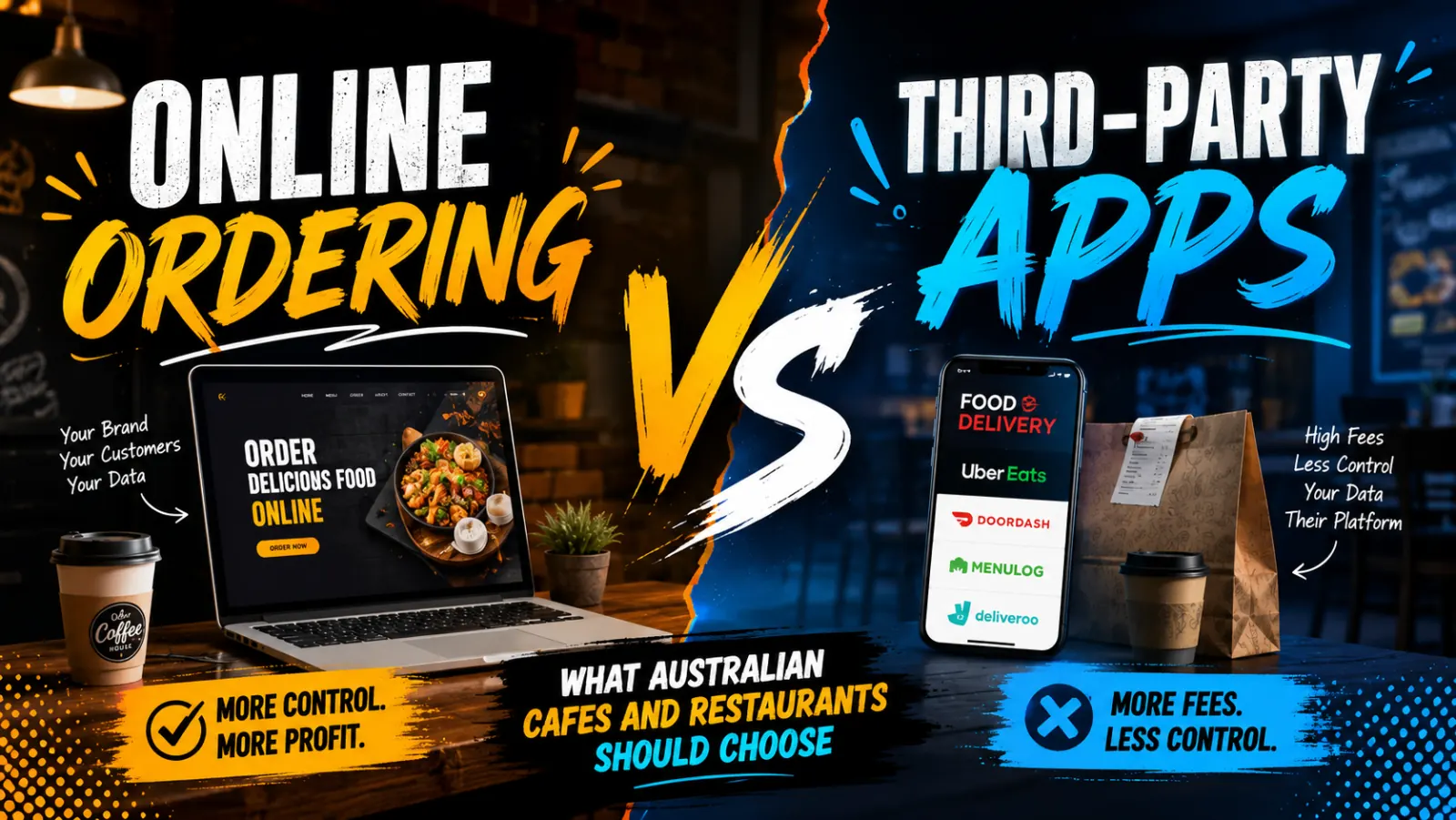
| Delivery marketplaces | Venues chasing discovery and delivery without their own drivers | Uber Eats, DoorDash | Commission on each order |
Menulog is no longer an option: it stopped accepting orders in Australia from midnight on Wednesday 26 November 2025. If an older guide still lists it, treat that as out of date.
Real tools Australian cafes can use
These are products with verified Australian availability. Prices and features below were checked on vendor sites and reputable sources on 15 November 2026 and change often, so confirm before you sign. All prices are in AUD.
| Tool | Main job | Pricing as listed | Worth knowing |
|---|---|---|---|
| Square for Restaurants | POS plus online ordering | Free plan at $0; Plus $129 a month per location. Card fees 1.6% in person, 2.2% online | Online ordering is listed on all plans. Square's Australian restaurant page did not mention reservations |
| Lightspeed Restaurant | POS, takeaway, add-on reservations | Pricing is on Lightspeed's own site, and we have not confirmed it directly. Entry plans are a common starting point | Check GST treatment and what each plan includes on Lightspeed's own pricing page |
| me&u | Order and pay, reservations, functions | Not published, "talk to sales" | Lists 115+ POS integrations, including Lightspeed. Has an ANZ site |
| ResDiary | Table reservations | $115, $170 or $220 a month plus GST (up to 150, up to 500 or unlimited bookings a month); $129 setup fee | Lists Reserve with Google, Facebook and Instagram booking, deposits, and no commission on bookings from your own channels |
| OpenTable | Reservations plus a diner marketplace | Plan prices differ between sources, so ask OpenTable. It says cover fees apply only to diners found through its own site or app, and only for seated diners | Adds discovery, but you pay for it per diner |
| SevenRooms | Reservations, guest data, marketing | Not published, demo on request | Aimed at larger venues and groups. Likely more than a single cafe needs |
How to choose by cafe type
Walk-in cafe
You probably do not need table booking at all. Start with a POS that includes online ordering, so regulars can order ahead for pickup. Square's free plan or Lightspeed's entry plan are common starting points. Add a simple enquiry form or phone number for groups.
Brunch cafe with weekend queues
A reservation tool can smooth the queue, but think about how many tables you would really hold back. Many cafes take bookings for larger groups only and keep the rest walk-in. A flat-fee reservation tool such as ResDiary usually suits that better than a marketplace with per-diner fees.
Events and functions
Birthdays, baby showers and work breakfasts are where enquiry handling matters more than a booking widget. me&u lists a Functions product, and ResDiary and SevenRooms handle larger bookings. For a handful of events a month, a good enquiry form that asks for date, numbers and budget may be enough.
Catering
Catering is quote-led, with lead times and minimum orders. Most reservation tools are a poor fit. An order form with a minimum notice period, or a structured enquiry form, usually works better.
What it costs, honestly
- Subscription tools (ResDiary, Lightspeed add-ons) start at around $100 a month (ResDiary's entry plan is $115 plus GST) and rise with extras. Setup fees can apply.
- Marketplace fees (OpenTable cover fees, delivery app commissions) scale with volume. Model them against your real covers or orders before committing.
- Card fees apply to online ordering. Square lists 2.2% for online payments, for example.
- Hidden costs include staff time sorting out double bookings, and training when you change systems.
POS integration matters more than the booking screen
Whatever you choose, check it talks to your POS. ResDiary lists 70+ integrations and me&u lists 115+. An order that has to be re-keyed into the till, or a booking that does not show on the floor plan, costs more in lost time than a subscription saves. Ask each vendor about your specific POS by name.
Google, Instagram and being found
Reserve with Google puts a booking button on your Google listing. It works through approved booking partners, and ResDiary lists it as supported. Google's public help page does not list partners or fees, so ask any vendor directly whether they support it for Australian venues and whether it costs extra. Instagram booking works the same way: ResDiary and SevenRooms both mention Instagram as a booking source.
If you switch booking providers, confirm the Google booking button will carry over. It is not automatic with every provider.
No-shows
Cafes usually lose less to no-shows than restaurants do, but large weekend groups can hurt. Deposits or stored card details are the main tools, and ResDiary lists both. If you use a marketplace, ask how it treats no-shows and whether it charges cover fees, because that affects your costs but does not fill the empty table. Keep it simple: ask for a card only on large groups, say so clearly when booking, and send a reminder the day before.
Privacy basics for guest data
Bookings collect names, phone numbers and sometimes dietary notes. According to the OAIC, small businesses with annual turnover of $3 million or less are mostly outside the Privacy Act 1988, but some are covered, for example businesses that trade in personal information, and the rules have been under review. Whether your cafe is covered is worth a quick check with the OAIC or an adviser. Either way, good habits are cheap: collect only what you need, tell guests why, keep guest lists inside the booking tool rather than on personal phones or spreadsheets, and delete old records you no longer need.
When a custom booking system is worth it
For most cafes, an off-the-shelf tool is the right answer. It is cheaper, someone else maintains it, and it plugs into your POS and Google. We build custom systems (see our booking systems service), but a custom build only makes sense when:
- your booking rules are genuinely unusual, such as several spaces, set packages, deposits and approval steps for functions;
- you run several venues, or a venue plus a shop or classes, and want one system;
- subscription and per-diner fees are large enough that a build would pay back, and you have worked out the numbers;
- you want bookings, ordering and your website to share one customer record.
It is not worth building if you take a few bookings a week, if your real problem is that not enough people find you, or if a $115 to $220 a month tool already does the job. Our pricing page explains how we quote.
Your website still does the heavy lifting
Whichever tool you pick, link to it from a fast mobile website with a clear "Order" or "Book" button, accurate hours and an HTML menu. Our restaurant website design guide covers the website side. If your cafe is in Melbourne, we also do web design for Melbourne businesses. If you want help choosing or connecting a tool, contact us.
Frequently asked questions
Does every cafe need a table booking system?
No. Walk-in cafes often do better with online ordering and pre-order. Table booking helps most with weekend brunch queues, groups and events.
What is the cheapest way to take online orders?
Many cafes start with a POS that includes online ordering. Square lists a free plan at $0 plus card fees, with online ordering on all plans. Check the current terms before you commit.
Are delivery apps still worth using?
They help with discovery, but they charge commission and you do not own the customer relationship. Menulog has left Australia, so look at the apps that remain and use them alongside direct ordering for your regulars.
Can guests book through Google or Instagram?
Yes, through supported booking tools. ResDiary lists Reserve with Google, Facebook and Instagram booking. Ask your vendor whether it is available and free for Australian venues.
How do I reduce no-shows?
Ask for a deposit or card details on large groups, send reminders, and make cancellation rules clear when booking.
When should a cafe pay for a custom system?
Only when off-the-shelf tools cannot handle your rules, or fees and manual work are clearly larger than the cost of a build. For most cafes they are not.